System administration
Ability to customize email templates
The Email Templates Customization feature provides the User with the option to customize default email templates according to its needs at the Operator and Service Provider levels.
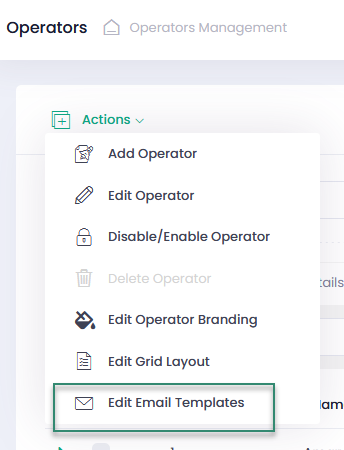
In the Action or Context Menu on the Operators and Service Providers pages, open the page for email templates editing via the Edit Email Templates option.
All email templates are listed . They can be filtered by
- Customization (default or customized) and
- Categories (user management or underwriting management).
In addition, an email template can be searched by its name as well.
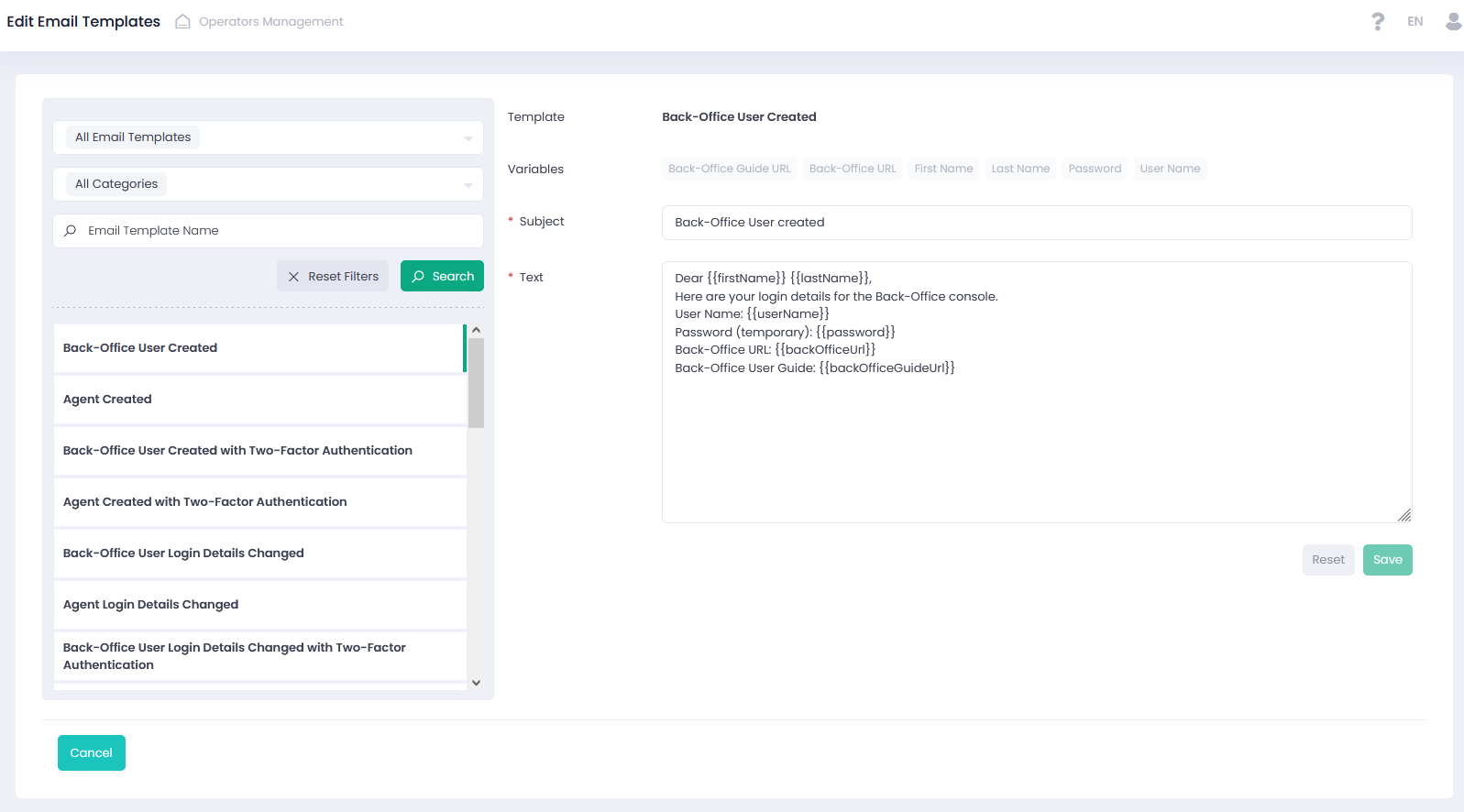
You can change the subject and body text of the email template. Available variables can be added as well.
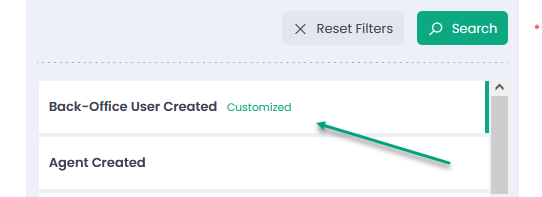
If any changes have been applied to any email template, ‘Customized’ is displayed next to its name. All changes can be reset to the default state.