Underwriting Management
Notes for declined fields in an Application
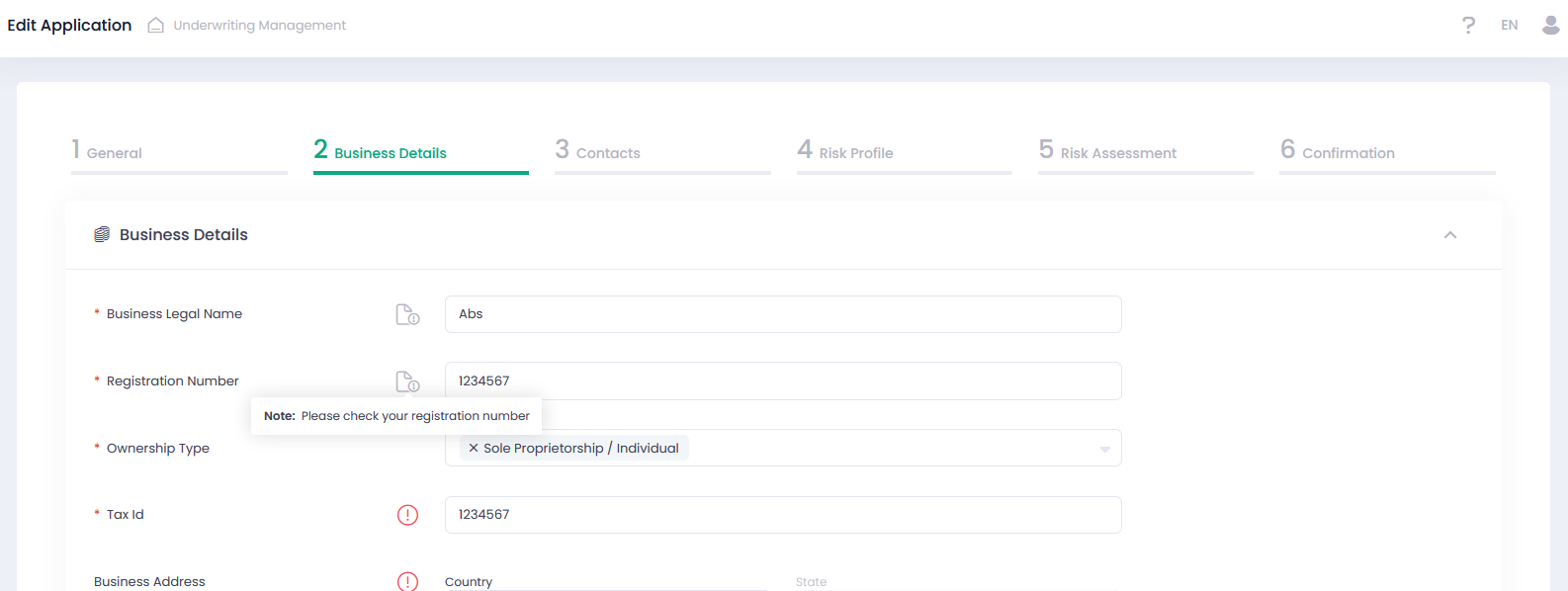
Now Users can add notes to the declined fields in the Business Details, Contact Details, Risk Profile, and Risk Assessment sections of the Application preview grid. Enabling to leave comments about the reason for declining a parameter or requirement for the declined field.
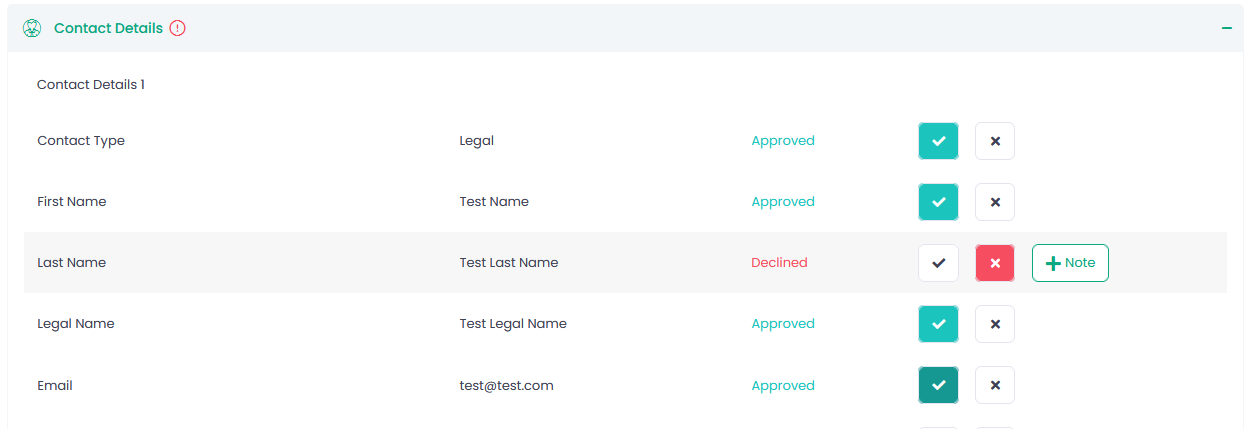
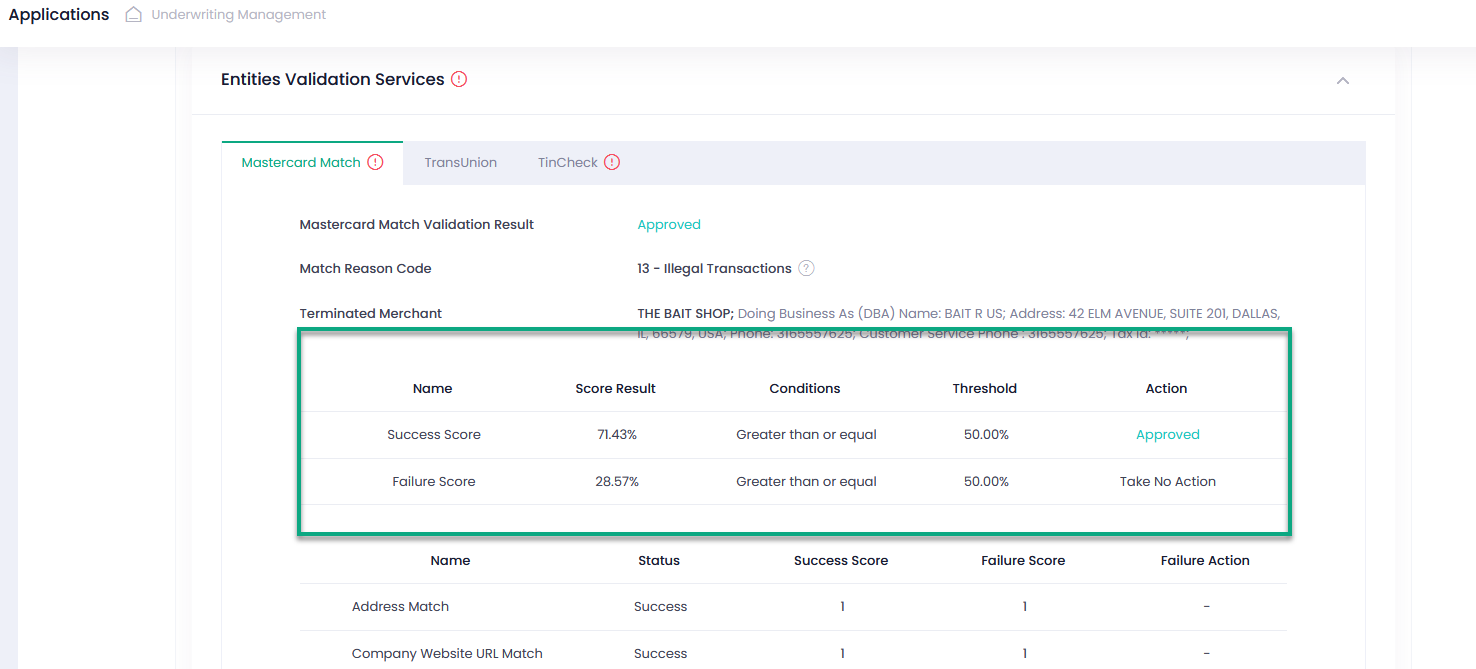
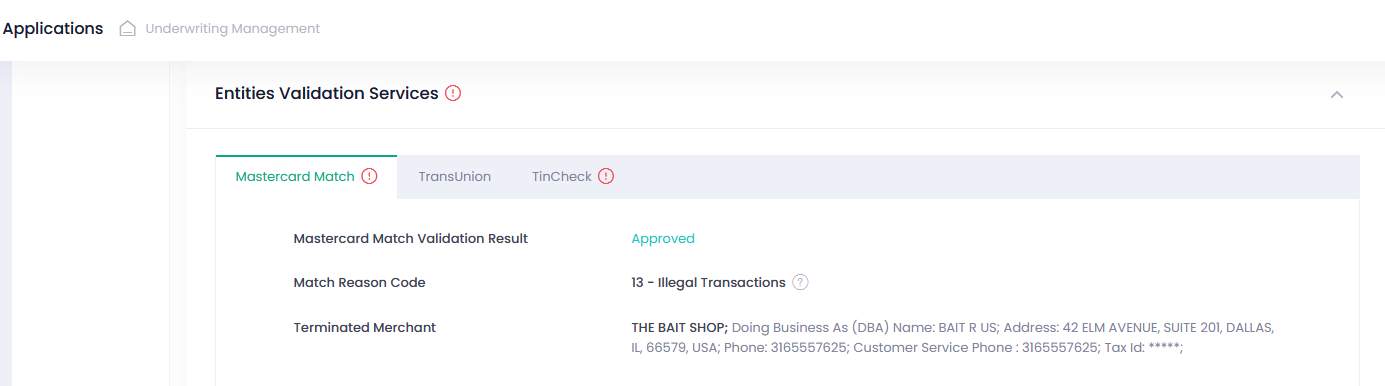
Please note that this exclamation-circle icon will be seen next to the External Validation Services section and a particular validation service in the following cases as well:
- Validation services have declined validation results
- There is at least one check in the grid with status = Failure (for TinCheck and Mastercard Match)
- If bank account validation and/or owner validation status = Failure (for Plaid)
These notes can be edited or deleted as required.
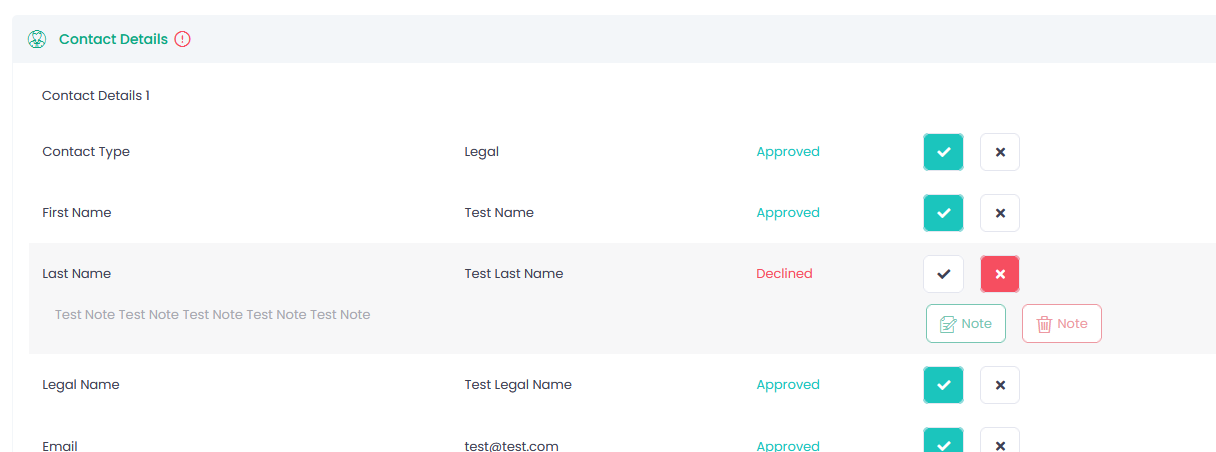
Moreover, these notes can be seen while editing an Application or on the Iframe resubmission page as well.
If there is no note for a declined field in the edit mode, an exclamation-circle icon is displayed next to it.
Improvements for External Entities Validation
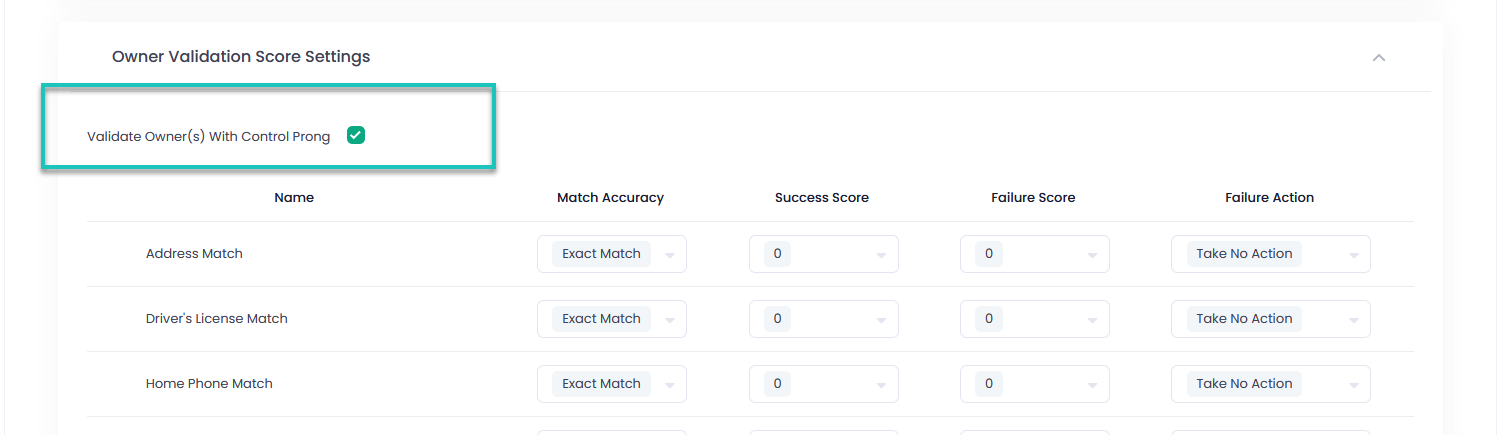
If you want to validate the owners with control prong only, you can mark the box ‘Validate Owner(s) with Control Prong’ in the owner validation score settings of your template. Otherwise, the system will validate all owners.
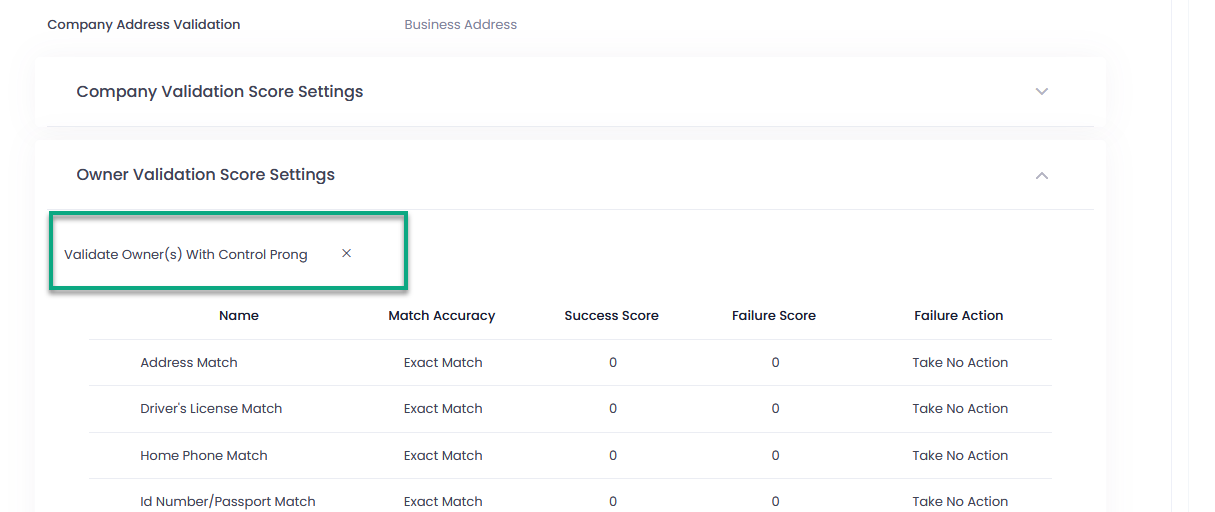
Data on validation of the owners with control prong is highlighted in the Application Preview Details as well.
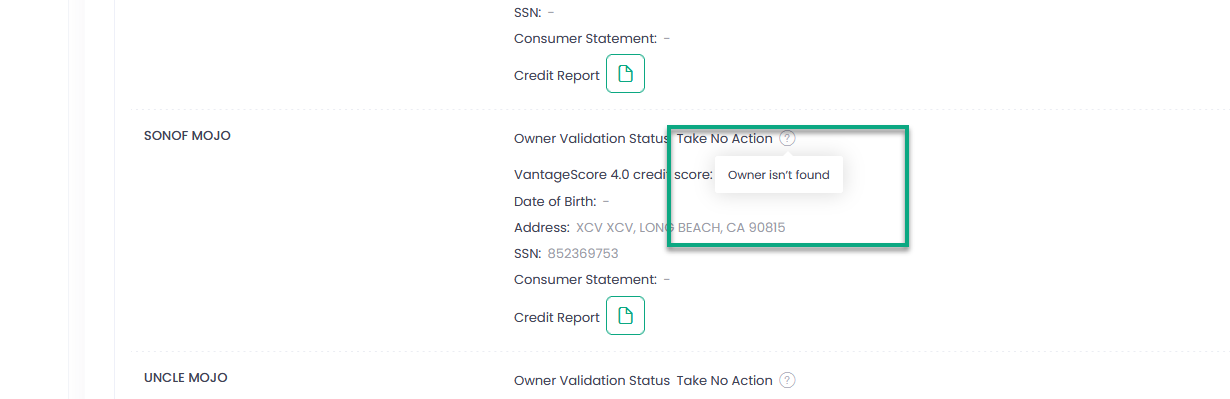
If an owner was not found for validation in the TransUnion’s databases, a corresponding message will be displayed while hovering over the icon next to that owner in the Preview Details of an Application.
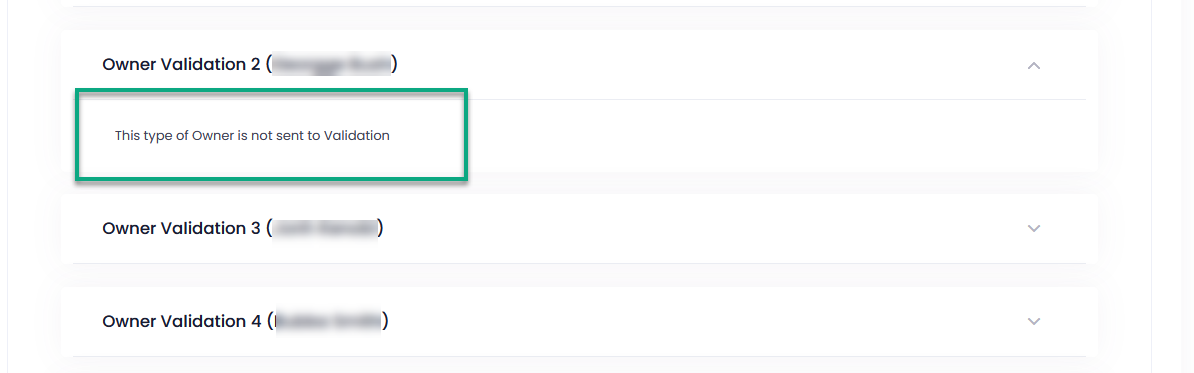
For TinCheck, such a message is displayed in the expand section for this owner instead of the detailed information if validation has not been performed.
In addition, we have added to the Owner Validation the names of the owners in brackets to clarify who is validated.
We have also added the results of validation by external validation services to the Application Preview Details.
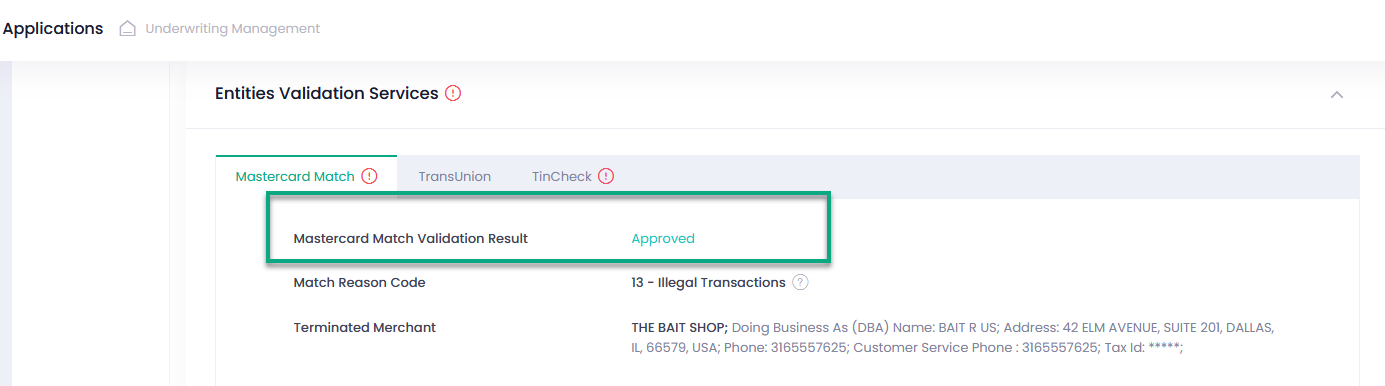
Furthermore, you can see the validation scores received from the external validation services.