Host Validation for the Tokenization iFrame
The Tokenization iFrame can now be used only on hosts that have been explicitly allowed. The list of allowed hosts must be configured before the iFrame is used.
Configuration:
- The setting is available in the Service Provider wizard, Processing step — Gateway iFrame Allowed Host(s).
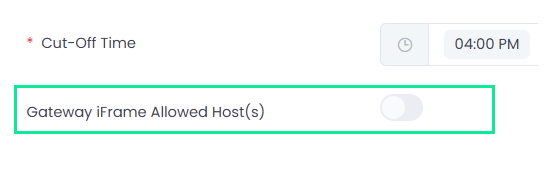
- Switching the toggle on opens a pop-up where allowed hosts can be added and saved.
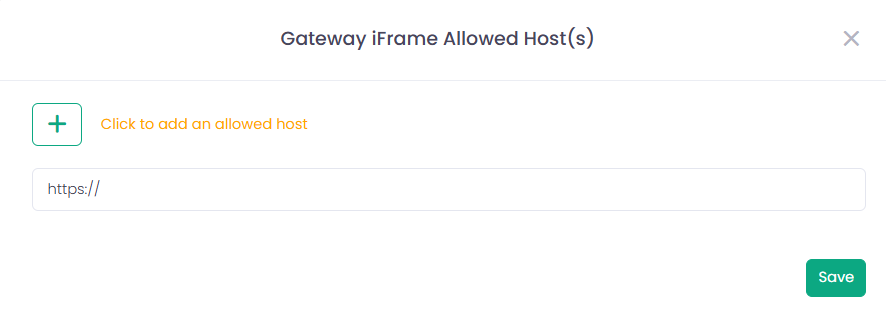
- Up to 10 hosts can be configured.
Host format: https://<host>[:port]
- Only HTTPS scheme is allowed.
- The scheme and host are mandatory.
- The port is optional.
- A path must not be included.
- Maximum length: 255 characters.
This ensures that the Tokenization iFrame is loaded only from approved domains.