Email Two-Factor Authentication
An additional Two-Factor Authentication (TFA) method has been introduced to enhance account security for Back–Office users. It is now possible to configure and use email-based TFA as a verification mechanism during the login process.
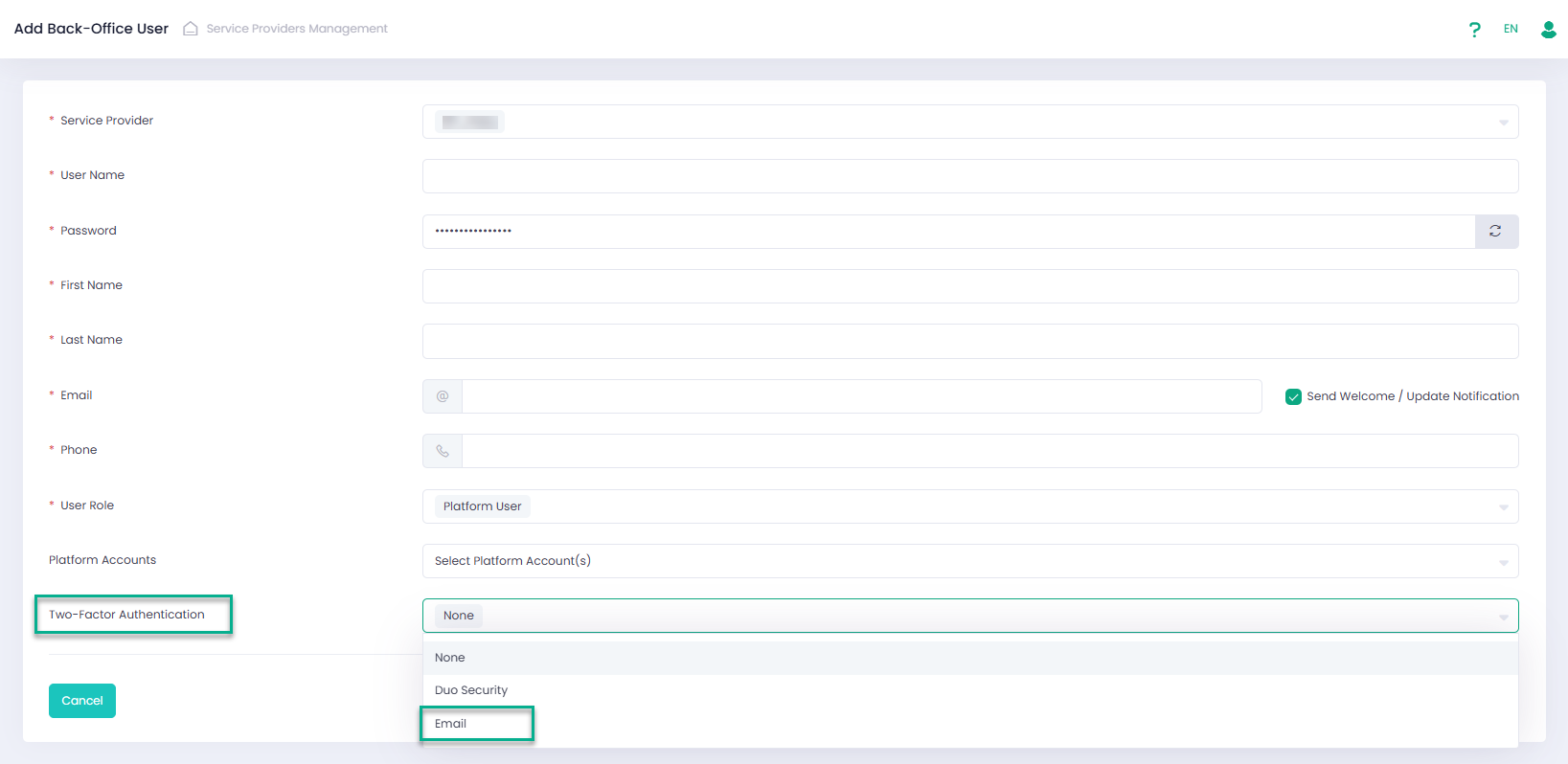
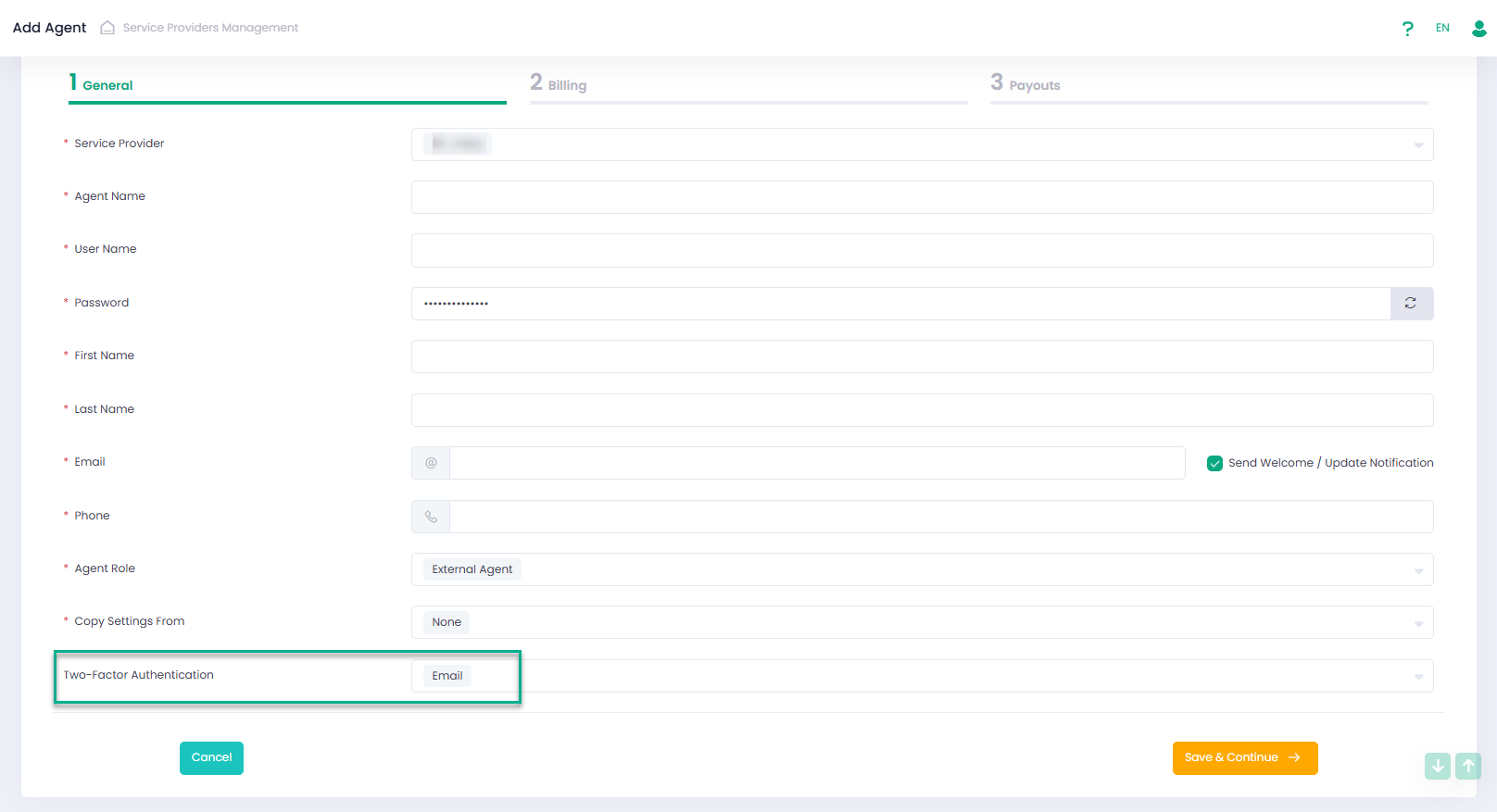
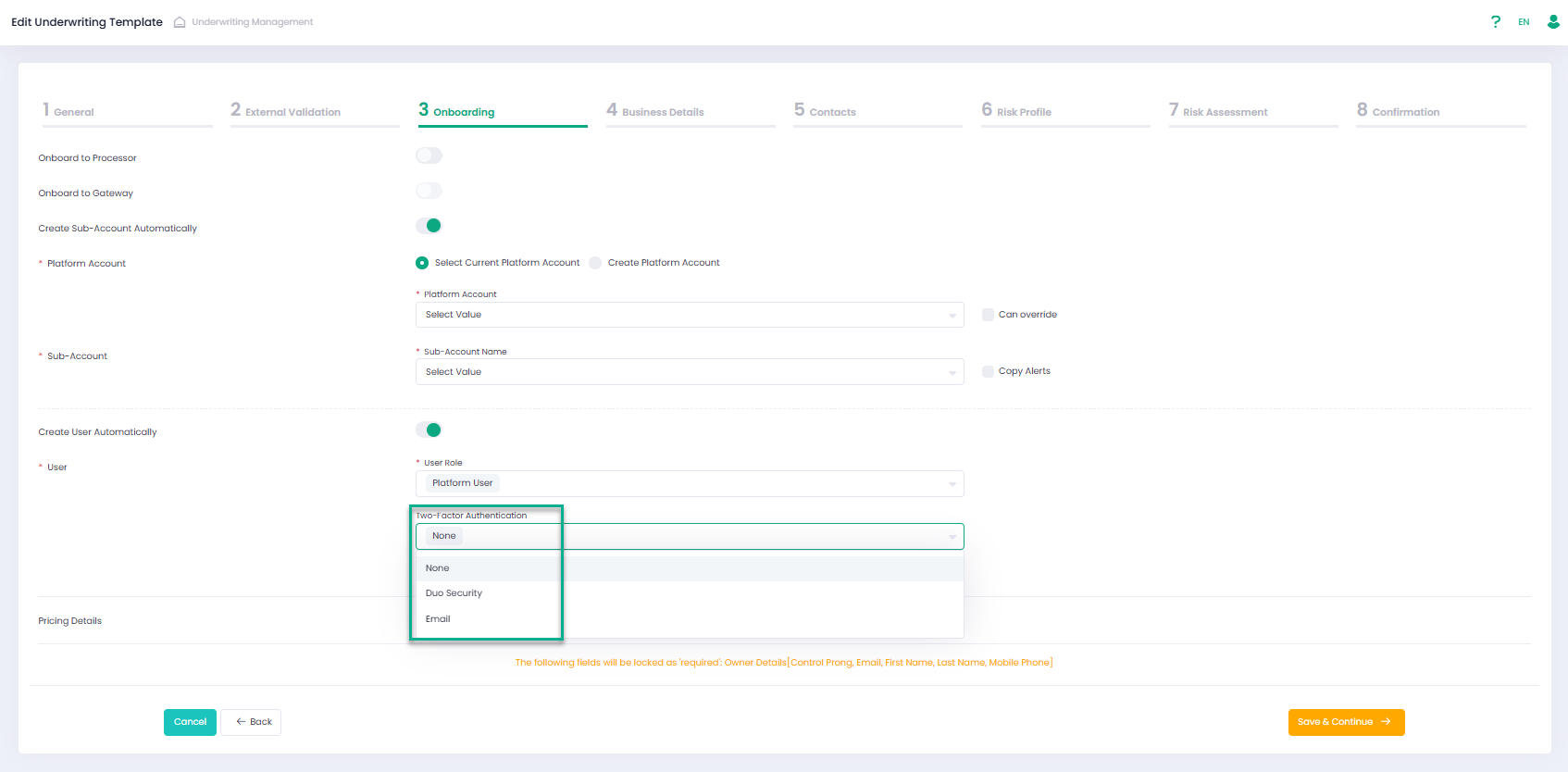
The TFA method can be selected when manually creating a BackOffice User or Agent in the BackOffice. For automatically created BackOffice Users, the preferred TFA method can be defined within the Underwriting Template settings.
We added mfaType parameter to Get by userId/Get by userName/Post/Put users methods for the case when BackOffice users are created via Onboarding API. For additional information please refer to our Developer Portal.
To log in to the system, a user with Email TFA enabled must enter a verification code that will be sent to their email address.
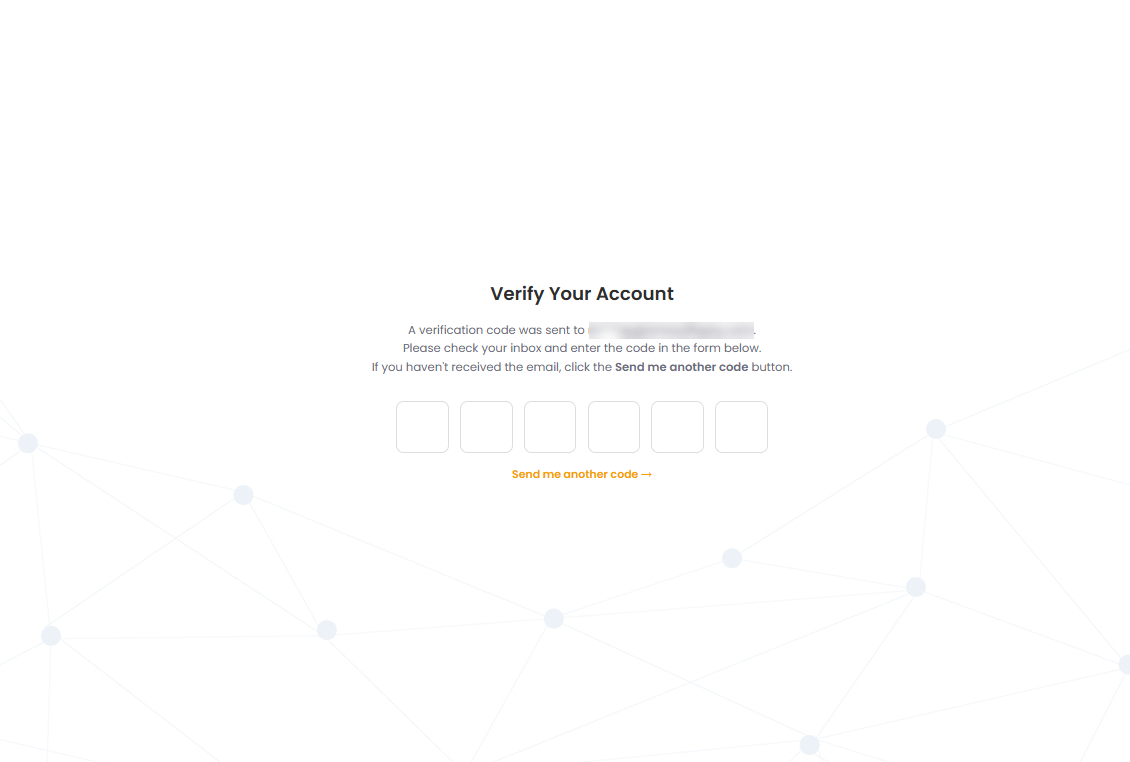
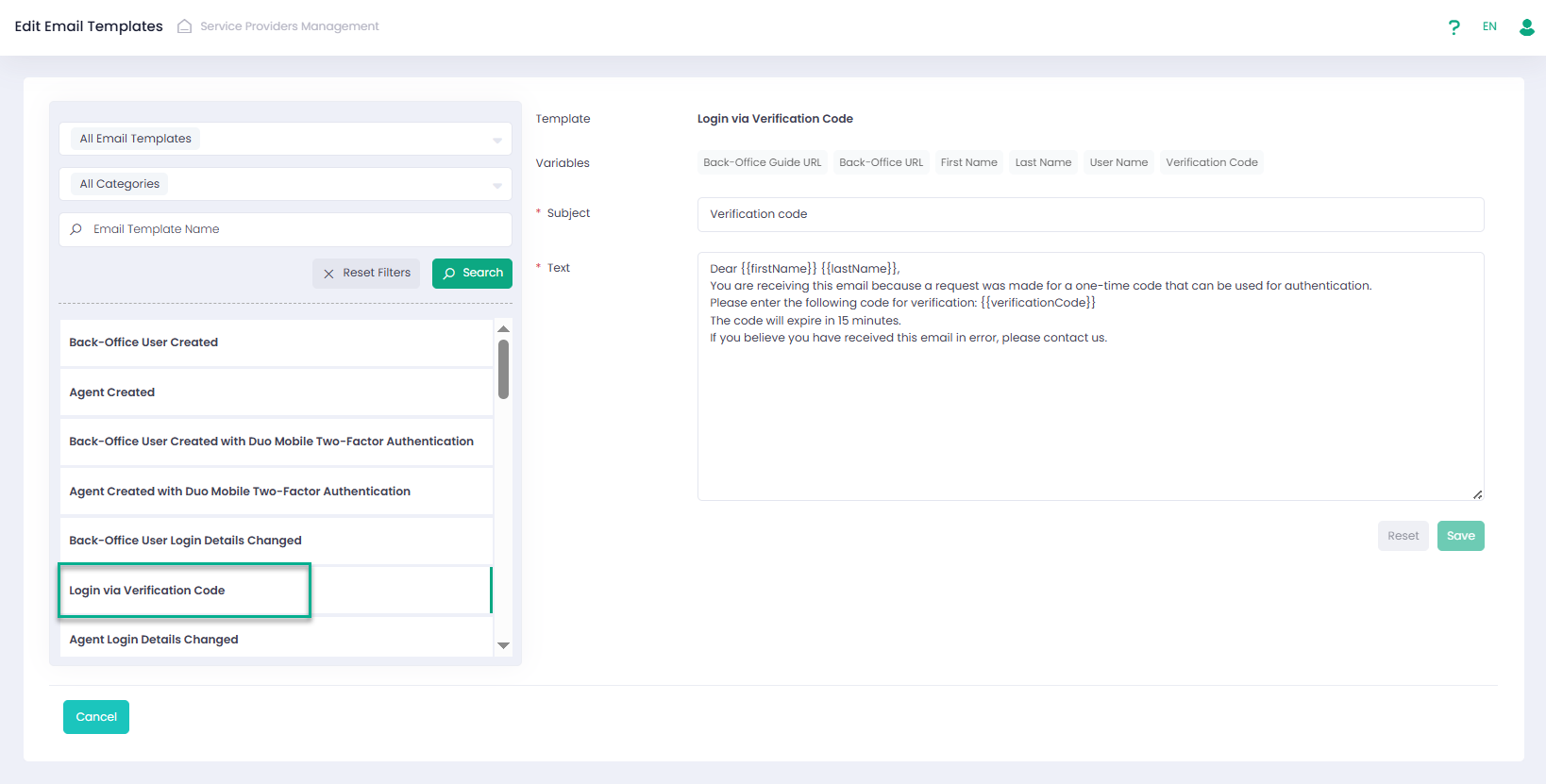
The subject and body of the verification email can be customized on the Email Templates page on Operator or Service Provider levels.